
The photo sells the coin
No retouching, no embellishment, no deceit.
If you sell coins regularly, you know how much time each one takes: shoot both sides, crop, straighten, write the description. NumiAssist leaves you one job – photograph the coin. The app takes care of framing, attributes, text and the finished kit – quickly and easily, right on your phone.
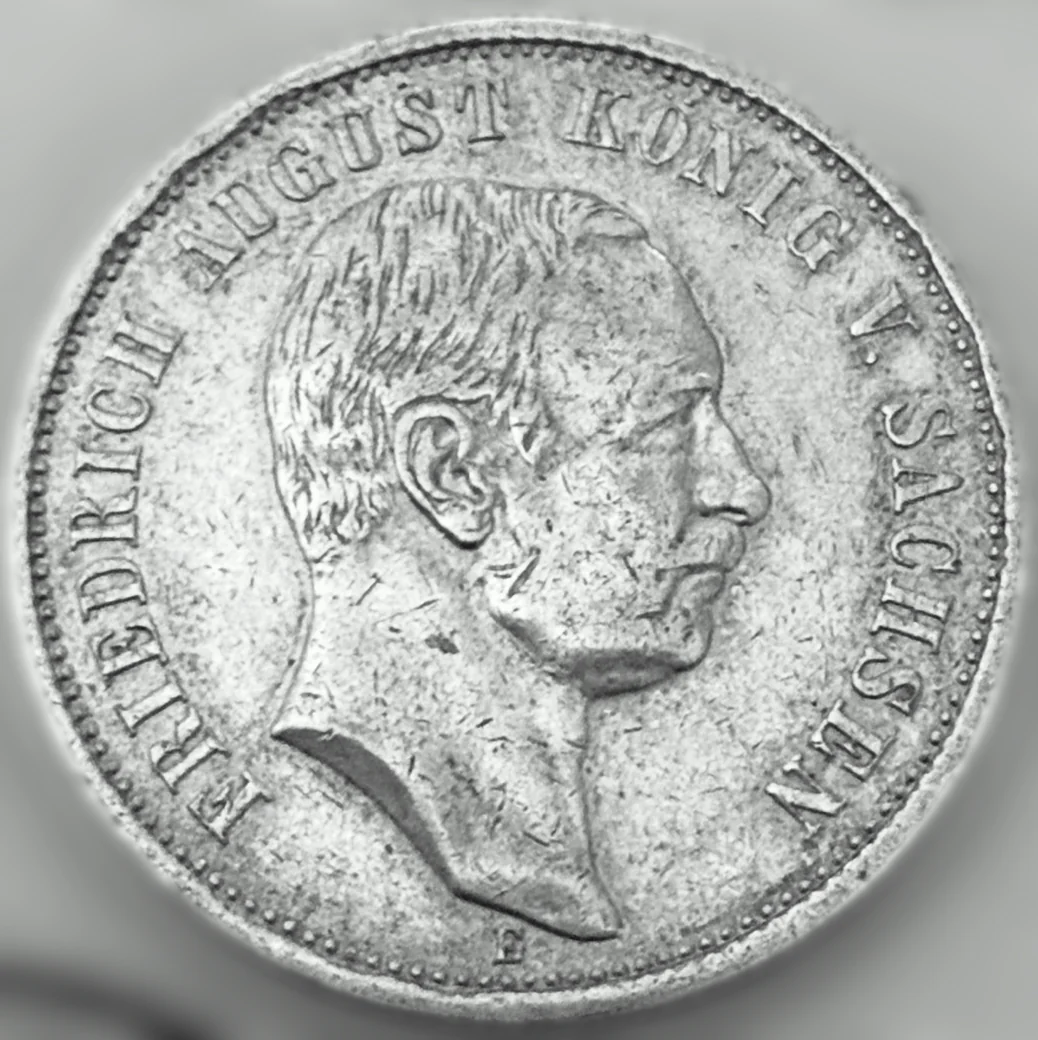
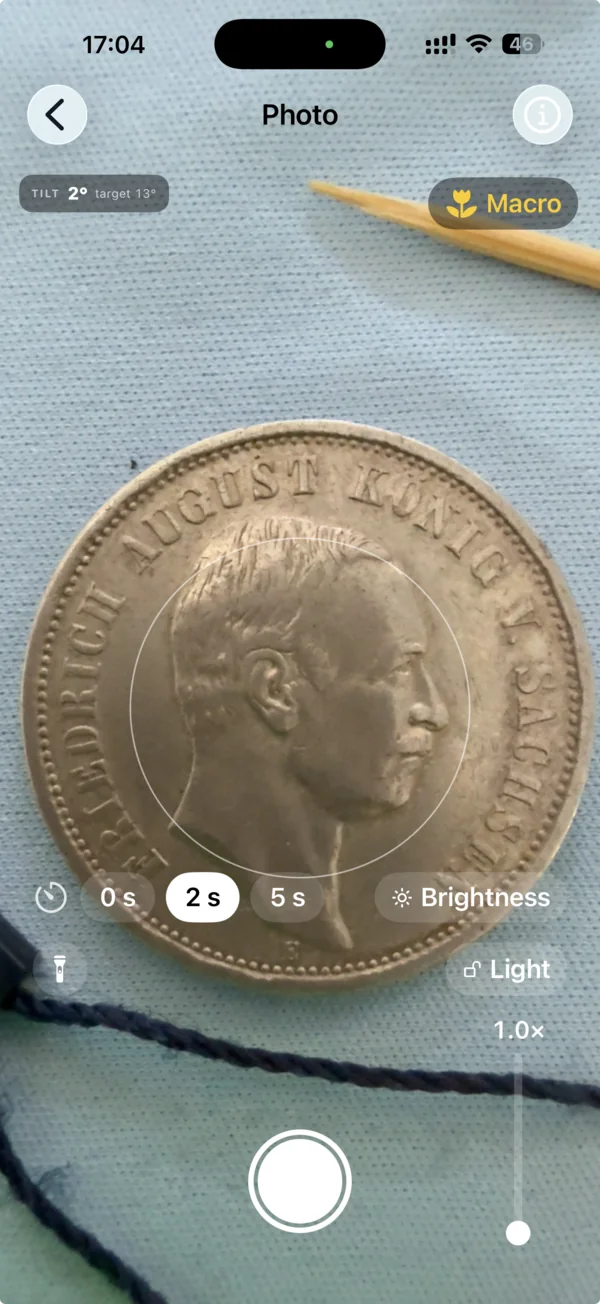
From the coin on the table to a finished listing
All the prep for a sale happens in the app. We remove what's extra and bring out what matters – the coin.
Shoot
The familiar camera with instruments in the frame: zebra stripes mark what is blown out to white, the tilt meter repeats the angle of your first shot. The instruments show, they never decide – the shutter is always yours.
Process the photo
The app finds the coin in the frame and then works on the shot: it straightens it, trims the extra margin, cleans up the background. Everything can be adjusted by hand – the original stays intact. The coin's surface is not altered or retouched.
Describe
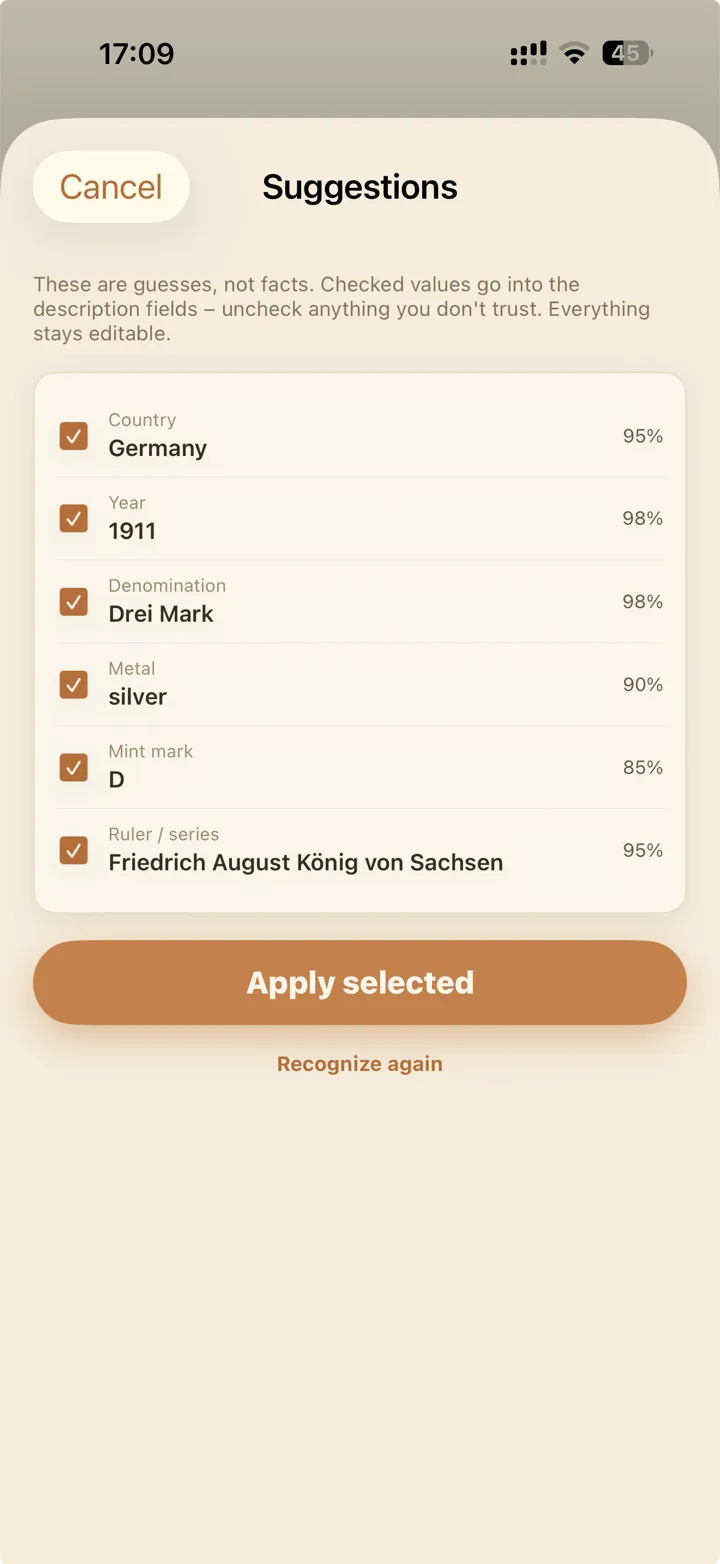
The description is built from a template, the coin's attributes are recognised automatically – you're left with minor corrections. Minimal typing.
Export
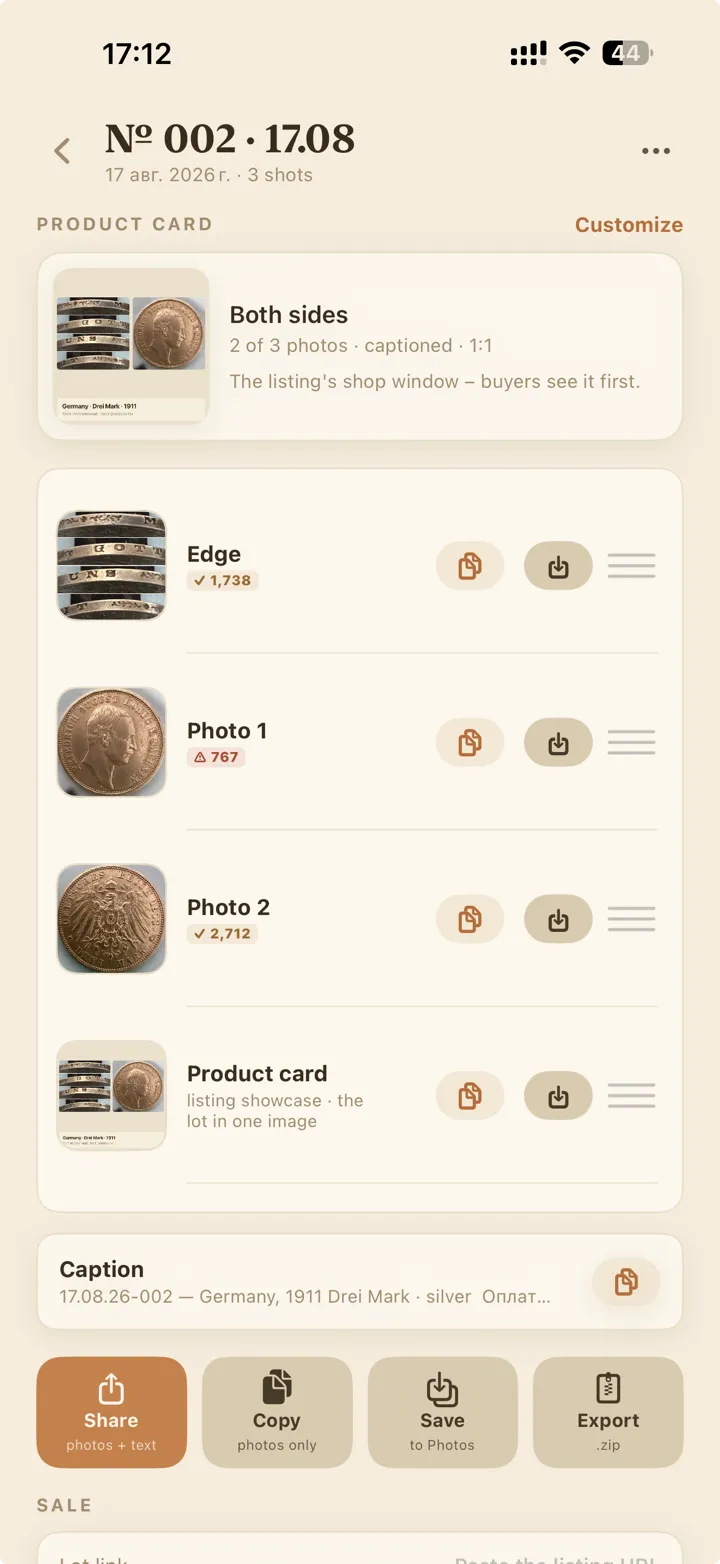
The processed photos and the description are ready to publish – on eBay, Catawiki, or any marketplace you use.
Reply to the buyer
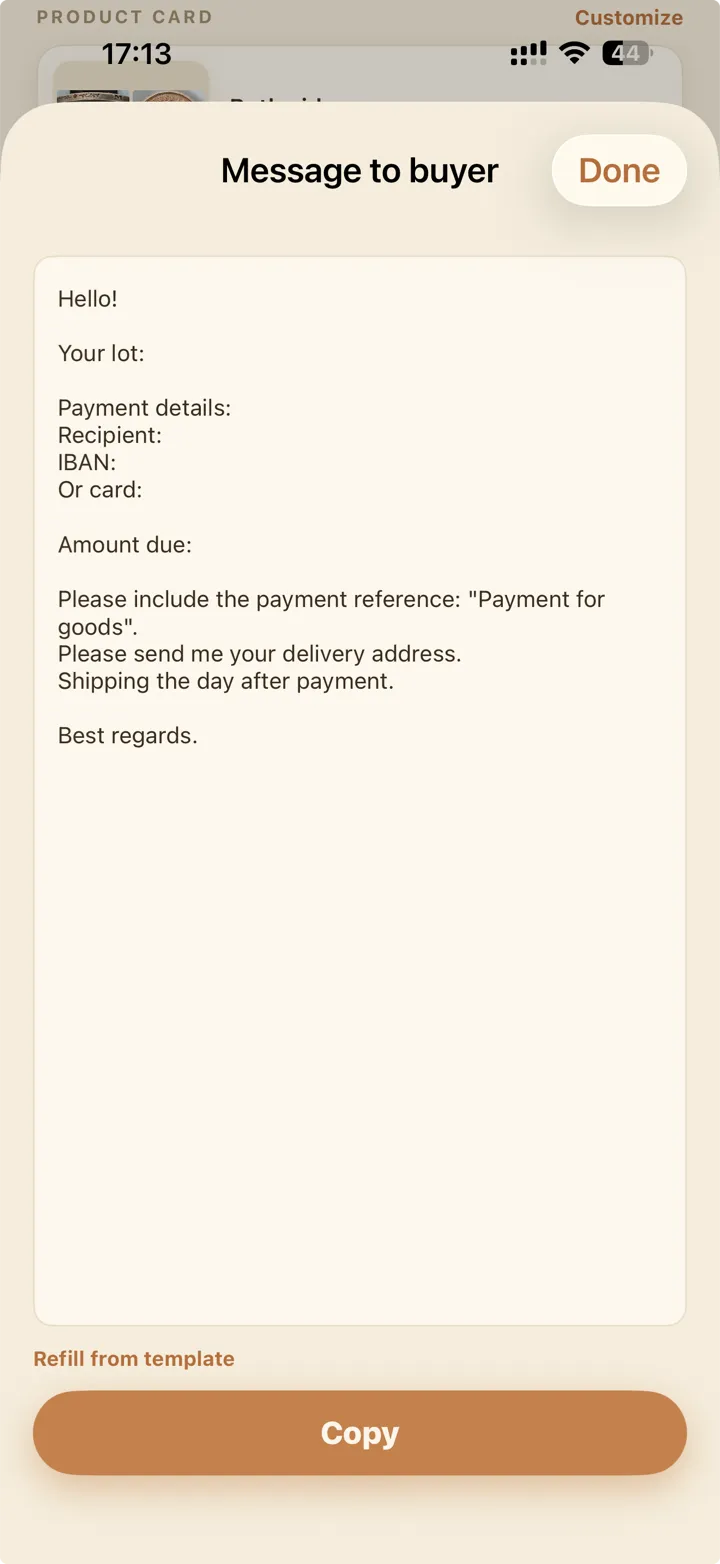
Payment details, shipping, terms – from your own template, with the coin's name filled in for you. Copy and send.
Easier than it looks
Five screens, one thing to do on each: a camera that prompts you, the frame, the attributes to confirm, the finished kit, the message to the buyer.
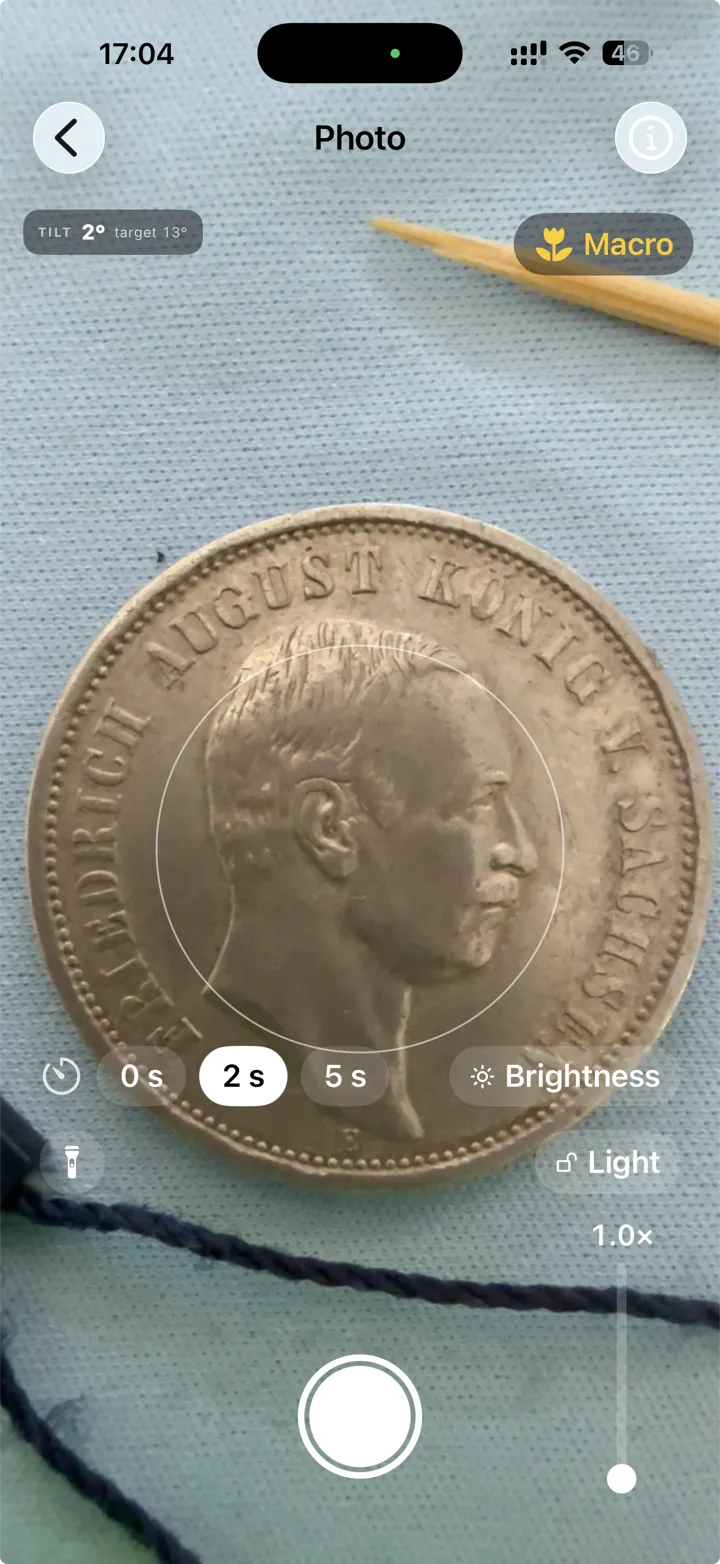
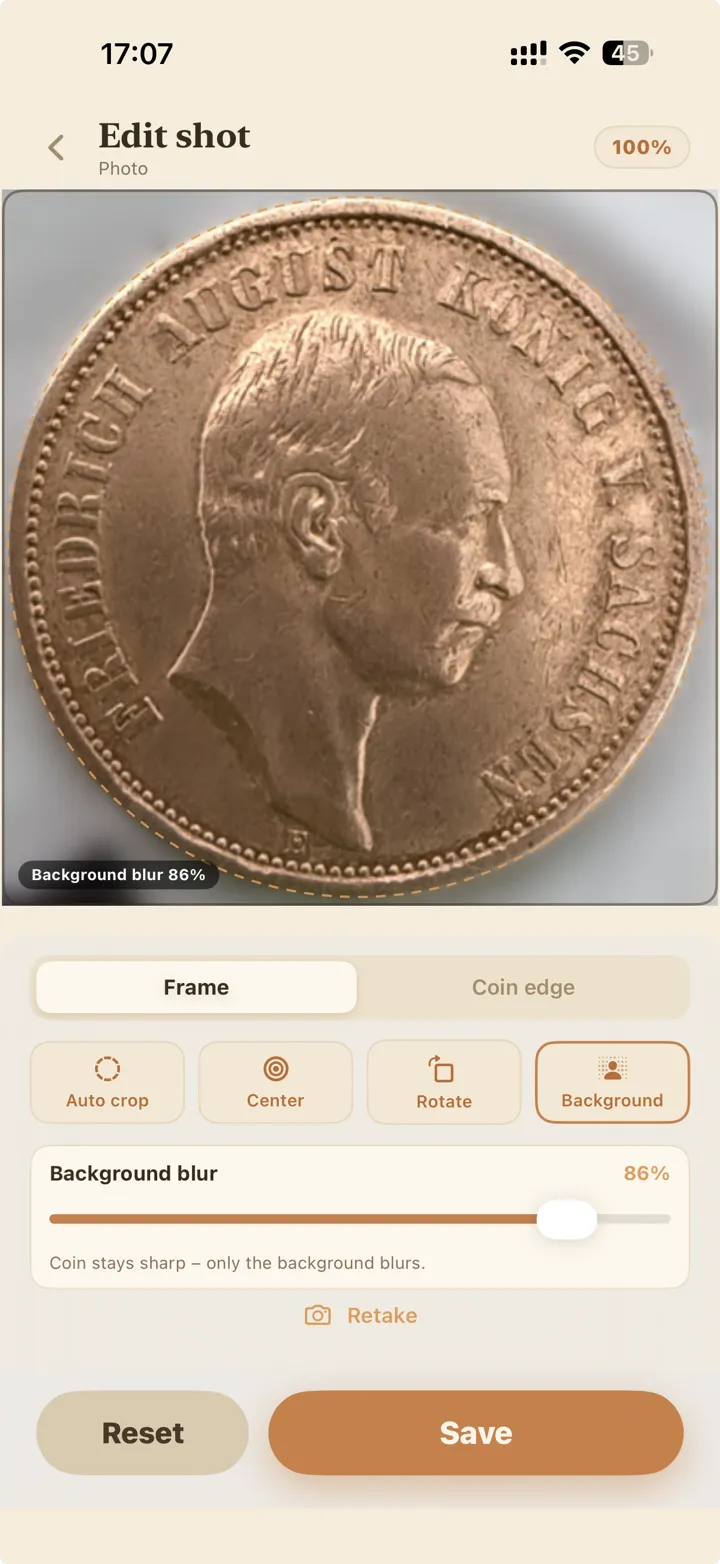
Process, but don't retouch
Everything that helps the buyer see the coin gets fixed. Everything the buyer must judge for themselves stays exactly as shot. In NumiAssist this line is built into the processing itself.
In the frame – fixed:
- Crop and centring – the coin fills the frame, both sides matched.
- Background – clutter gone, one even backdrop.
- Geometry – no tilt, no skew.
- The edge – segments assembled into a single view.
On the coin – never:
- No retouching the surface.
- No hiding scratches, wear or cleaning marks.
Buyers bid on what they trust. A photo that hides nothing sells better than a photo that flatters.
The next coin you sell deserves a perfect photo
App Store Coming soon to
Google Play
iOS 18 or later · 7-day free trial · Subscription details